
Install guide · commissioning
Add custom CSS to GoHighLevel with one line of code
The customizer installs the way a new thermostat gets wired: once, in one place. Paste your line into the agency white-label settings, add one CSS line for the login page, and every change after that is made in the editor and goes live on the next page load.
- About 2 minutes
- No GoHighLevel password shared
- Remove it any time
Agency Settings›Company›White Label›Custom JS
Custom JS
<!-- your install line, copied from the editor -->
<script src="…your-account-line…"></script>
Login page CSS
/* one line, shown in the editor */Saved · every sub-account updates on next load
The short answer
How do you add custom CSS to GoHighLevel?
With the customizer you do not write CSS inside GoHighLevel at all. You paste one line into Agency Settings, Company, White Label, Custom JS, and one CSS line for the login page. The line loads the design you saved in the editor, so every later change is made in the editor and reaches all sub-accounts on their next page load.
Commissioning checklist
Six steps, done once
Like a start-up checklist on a new install: work down it once, sign it off, and you are not back unless something changes.
0 of 6 signed off
Included in every package
Try privacy mode before you share your screen
Once installed, GoHighLevel gets an eye button in the header. Training a new CSR or recording a walkthrough? Blur every name, email and phone number in one click. Try it on the sample below.
What the line touches
It changes the look. Not the plumbing.
The install adds a styling and interface layer on top of GoHighLevel. The automations that run your shop are untouched.
Changes
- Colors, fonts, cards, tables, buttons and dark mode
- Sidebar or top bar, menu order and names
- Login page, dashboard and opportunities board look
- Widgets you switch on (package dependent)
Stays exactly as it is
- Workflows, triggers and automations
- Contacts, conversations and custom fields
- Pipelines, stages and opportunity data
- Calendars, phone numbers and A2P 10DLC setup
Troubleshooting
If something looks off, check here first
| Symptom | What to check |
|---|---|
| Nothing changed after saving | Check the line went into Custom JS, not Custom CSS, and that the White Label settings were saved. Then open GoHighLevel in a new tab or a private window so a cached page is not shown. |
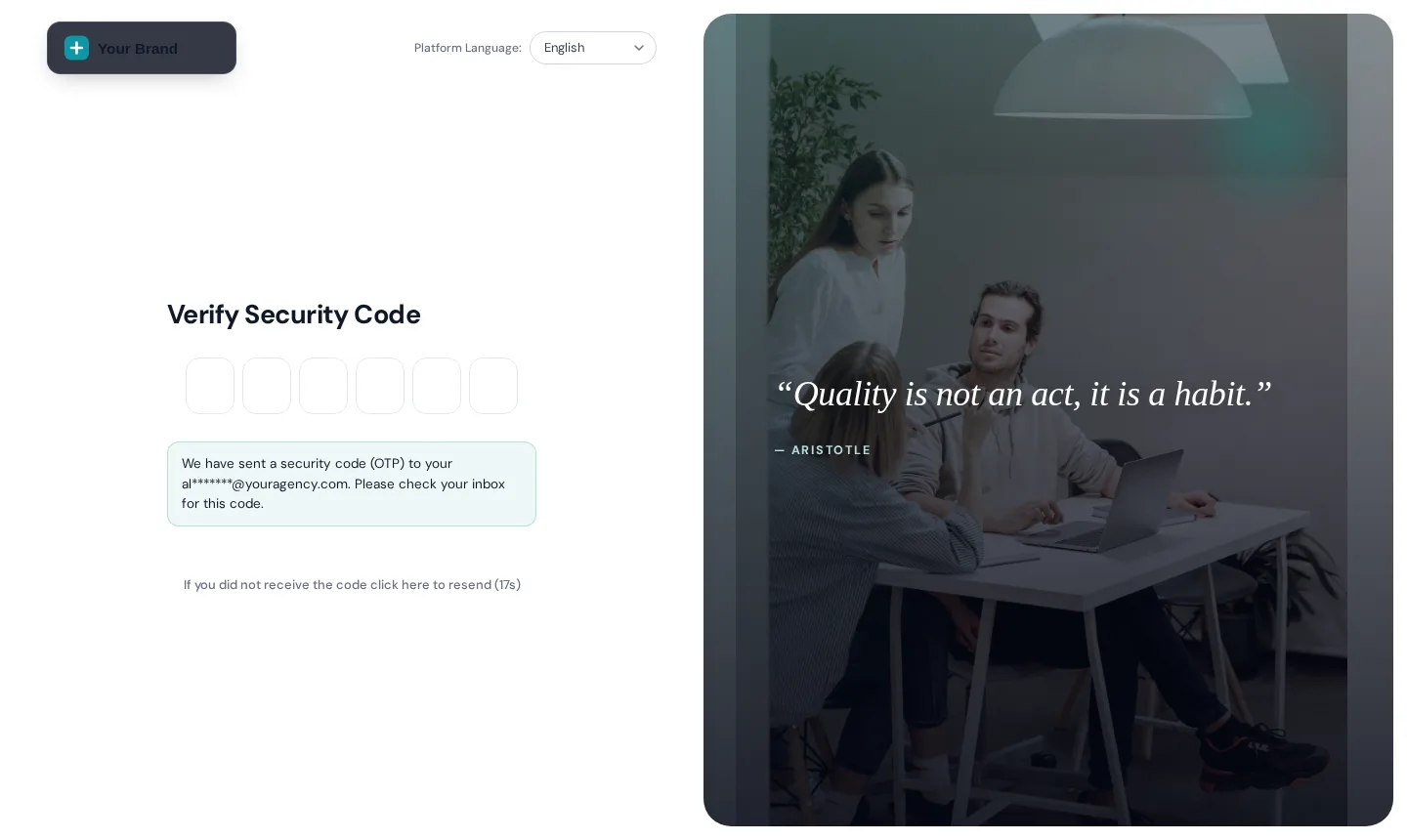
| The app changed but the login page did not | The login page needs its own CSS line, because it loads before scripts run. Copy it from the editor and add it where the editor tells you. |
| One settings screen still looks stock | Some GoHighLevel screens, such as parts of Location Settings, load inside a frame from another domain. Browsers block outside styling there, so they keep the default look. |
| A teammate still sees the old design | They are looking at a page that loaded before your save. A reload picks up the latest version; nothing needs reinstalling. |
| I want to undo a change | Open version history in the editor and restore an earlier save. Comfort Basic keeps 5, Climate Pro keeps 10, Total Comfort keeps 10. |
FAQ
Install questions from the field
Where the line goes, what it changes and how to undo it.
Stuck on something not listed? Ask a real person and we answer within one business day.
IN-01How do I add custom CSS to GoHighLevel with the customizer?
You paste one line into Agency Settings, Company, White Label, Custom JS, plus one CSS line for the login page. The line loads your saved design from the customizer, so you never edit CSS by hand inside GoHighLevel.
IN-02How long does the install take?
About 2 minutes. Most of that is finding the White Label section the first time. After the first install, changes are made in the editor only.
IN-03Do I have to reinstall after every change?
No. The line always loads your latest saved version, so a save in the editor reaches every sub-account on its next page load.
IN-04Do I need agency-level access in GoHighLevel?
Yes. Custom JS lives in the agency white-label settings, so the person installing needs to be able to edit Agency Settings. Sub-account users do not need to do anything.
IN-05Does it change my workflows, contacts or data?
No. It changes how GoHighLevel looks and how people move around in it. Your workflows, pipelines, contacts and automations keep running exactly as before.
IN-06Can I remove it?
Yes. Delete the line from Custom JS (and the login CSS line) and GoHighLevel goes back to its stock look on the next page load. Your saved designs stay in your customizer account.
IN-07Will my clients see the customizer?
No. They see GoHighLevel in your design. The editor is only for you and the team members you add to your customizer account.
IN-08What is privacy mode?
An eye button in the GoHighLevel header that blurs names, emails and phone numbers on screen. It is useful when you share your screen, record a training video or demo the system to a new hire. It is included in every package.
IN-09What if I get stuck?
Use the help docs and support from the customizer, or contact us with your order reference. We point you in the right direction; the account and the install stay in your hands.
Keep exploring
Connected zones
- Z-00OverviewA self-serve GHL Customizer account: restyle GoHighLevel in a live editor and install it with one line of code. Comfort Basic $177, Climate Pro $437, Total Comfort $887, one-time.
- Z-PRPricingSide-by-side comparison of the three one-time accounts: modules, limits and who each one suits.
- Z-01Themes and dark mode27 complete themes (3 dark), 11 UI kits, your logo and colors, and the GoHighLevel blues remapped to your brand.Comfort Basic · $177+
- Z-03Login page designs16 animated login designs covering sign-in, two-factor and password reset, 4 with rotating quotes.Comfort Basic · $177+
- Z-02Menu builderSidebar, right dock or top bar in 8 styles, 8 mega menu styles and a floating quick menu in 8 designs.Climate Pro · $437+
- Custom workCustom GHL developmentNeed something the customizer does not do? Custom GoHighLevel builds and integrations.
Two minutes of setup, then it is all in the editor
Start with Comfort Basic: every theme, dark mode, your colors and logo, and all the login page designs. Upgrade paths are there if you need more.
- One-time payment, lifetime access
- Login emailed within minutes (max 24 hours)
- Secure card payment by Stripe